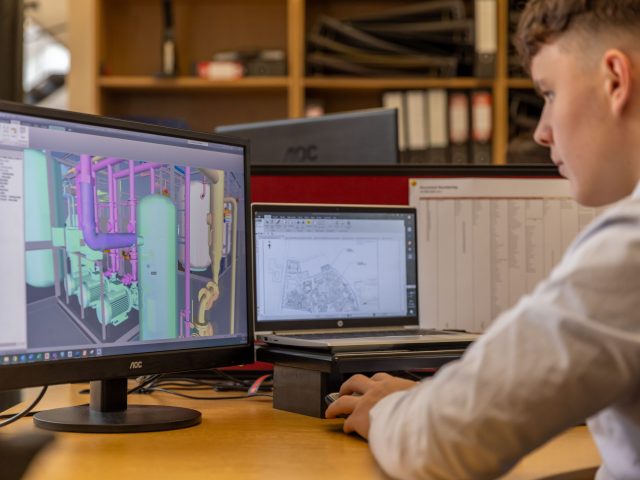


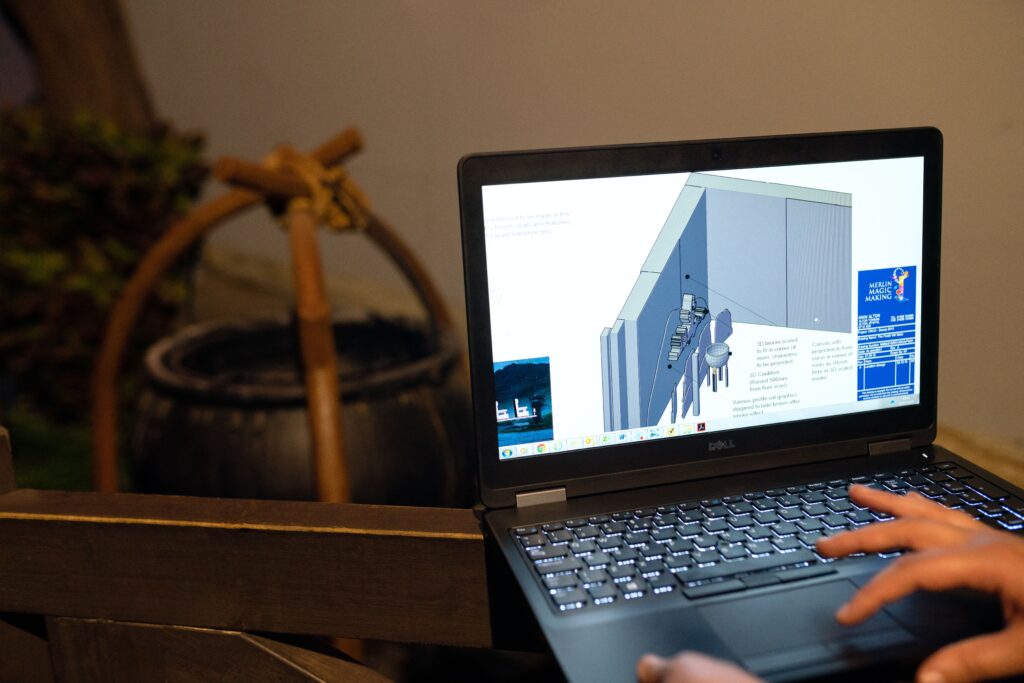
CAD Production Support can be the extra set of hands that keeps a construction project moving when the clock starts working against you. A project schedule is a bit like a relay race. Every team has to make a clean handoff, and when one runner gets stuck, everyone behind them starts losing time. In construction, a drafting backlog can create exactly that kind of chain reaction.
A drawing revision waits for approval. A plan sheet can’t be issued. A subcontractor is waiting for updated information. The project manager starts chasing the CAD team. Engineers get pulled away from design work to help clear the backlog. Before long, a small drafting bottleneck has become a project-wide scheduling problem.
For construction companies working with tight deadlines, the answer isn’t always to push the existing team harder. Sometimes, the smarter approach is to increase production capacity.
Why CAD Bottlenecks Can Become Project Delays
Construction projects rarely move in a straight line. Drawings are revised, RFIs come in, field conditions change, clients request modifications, and coordination issues surface throughout the project.
Every one of those changes can create additional CAD work.
The problem becomes particularly noticeable when the same engineers and drafters responsible for complex technical work are also responsible for high volumes of repetitive production tasks. A senior engineer might be perfectly capable of handling a drawing revision, but if they’re spending hours updating sheets, they’re not spending those hours solving higher-value engineering problems.
It’s like asking the captain of a ship to spend half the journey repairing every loose rope. The work still needs to happen, but the captain’s time is being used in the wrong place.
CAD Production Support creates another layer of capacity so production work can keep moving without constantly pulling senior personnel away from their primary responsibilities.
What Does CAD Production Support Actually Cover?
CAD Production Support isn’t limited to creating drawings from scratch. It can cover many of the production activities that accumulate during an active project.
Depending on the company’s workflow, support may include:
- Drawing creation and revisions
- Redline incorporation
- Plan and sheet preparation
- CAD file cleanup
- Detail drafting
- As-built drawing updates
- Drawing conversions
- Documentation updates
- Standardized drafting
- Production of drawing packages
- Repetitive CAD modifications
The important factor is that the work has a defined scope and can be integrated into the company’s existing quality-control process.
That makes it particularly useful when deadlines are approaching and the internal team has more work than it can comfortably absorb.
The Deadline Problem Isn’t Always a People Problem
When a project starts falling behind, the instinctive response is often to ask whether the company needs more people.
Sometimes it does. But the more useful question is: Where exactly is the bottleneck?
If engineers are waiting for drawings, the problem may be CAD capacity. If drafters are waiting for design decisions, adding more drafters won’t solve it. If drawings are repeatedly coming back for corrections, the problem may be quality control or unclear standards.
This is why CAD Resource Augmentation works best when it’s connected to a clearly identified production bottleneck.
The goal isn’t simply to add another person to the project. It’s to add capacity where capacity is actually missing.
Real-World Example: 148 Drawings Completed in 10 Days
A case study from Outsource2india provides a useful example of what additional CAD production capacity can accomplish under a tight deadline.
The company describes an Australian engineering consulting firm that needed 148 detailed AutoCAD drawings completed within 10 days for a complex stairwell project involving a school.
Outsource2india assembled a dedicated team of six drafters, supported by a quality expert and account manager. The team worked from unclear scanned PDFs, followed the required standards, maintained communication with the client, and completed the drawing package within the deadline.
The interesting part isn’t simply the number of drawings. It’s the production structure behind them.
Instead of expecting one internal team to absorb a large, time-sensitive drafting workload on top of its normal responsibilities, additional production capacity was brought in specifically for the job.
Another Example: Cutting Drafting Turnaround From 15 to 20 Days to 10
Another example comes from Hitech CADD Services, which published a case study involving a U.S. residential furniture manufacturer that needed detailed CAD drawings and had a significant project backlog.
The company says it assembled a six-person AutoCAD engineering team to handle cabinet design drafting. The team worked from architectural drawings and marked-up PDFs, established the design intent, incorporated revisions, and applied quality checks before delivery.
According to the published case study, project turnaround was reduced from 15 to 20 days down to 10 days, while almost all submissions achieved first-time-right delivery.
This demonstrates an important principle for construction companies: additional CAD capacity isn’t only about handling more work. It can also help shorten the time between receiving information and producing something the next person in the workflow can actually use.
How a Remote CAD Team Can Keep Work Moving
A Remote CAD Team can be particularly useful when workload fluctuates throughout a project.
Imagine a construction company approaching a major submission deadline. The internal team has its normal workload, but suddenly needs another 100 drawing revisions completed within a short window.
Hiring a permanent local team for that single workload spike may not make sense.
A remote team provides another option. The company can establish a dedicated production function that works according to its templates, standards, file structures, communication procedures, and review process.
Over time, the team also becomes familiar with the company’s way of working.
That familiarity matters. Someone who has already worked with your standards doesn’t need to rediscover your preferences every time a new project begins.
Dedicated Offshore Employees Can Add More Than Extra Hands
For companies with recurring demand, Dedicated offshore employees can provide more continuity than sending individual assignments to different freelancers or vendors.
The distinction is important.
Project-based outsourcing generally revolves around a particular deliverable. A dedicated staffing model revolves around the person or team supporting your operation.
That means a dedicated drafter can become familiar with your:
- CAD standards
- Templates
- Naming conventions
- Drawing structures
- Review procedures
- Communication preferences
- Project management systems
Over time, Dedicated offshore staff can function less like an external production vendor and more like an extension of your existing team.
This is also where an offshore staffing company can play a role. Rather than asking your project managers to recruit, onboard, equip, and administer international staff themselves, the staffing partner can provide the infrastructure around the dedicated employee.

What Should Your Internal Team Still Handle?
CAD Production Support works best when responsibility is divided intelligently.
Your internal engineers and project managers should generally remain responsible for activities requiring engineering judgment, project leadership, client relationships, design decisions, site knowledge, and final technical approval.
Production support can then take responsibility for defined drafting and documentation activities that don’t require the same level of project-level decision-making.
The dividing line won’t look identical for every company.
A civil engineering firm may use support for plan production and revisions. An architectural firm may use it for documentation and drawing updates. A contractor may need support for shop drawings, as-built documentation, or coordination packages.
The point isn’t to move work offshore simply because it can be moved.
It’s to identify work that can be produced reliably by another qualified resource while keeping critical decisions with the people best positioned to make them.
How to Make CAD Production Support Deadline-Friendly
Adding people doesn’t automatically make a workflow faster. Without structure, additional resources can actually create more coordination work.
Start by establishing clear production standards.
Your support team should know which templates to use, how files should be named, where documents belong, how revisions are tracked, and who reviews completed work.
It also helps to break large assignments into defined production packages.
Instead of saying, “Finish this project,” give the team a specific drawing package, revision set, or documentation batch with a clear deadline.
Quality checks should happen throughout the process rather than only at the end. Catching a mistake after 50 drawings have been completed is very different from catching it after the first five.
This is where a dedicated team can become particularly valuable. As the relationship develops, the team learns where mistakes tend to occur and how your organization expects them to be handled.
Scaling Support Around the Workload
Not every company needs a large offshore department.
Some may need one dedicated CAD professional. Others may need several people during periods of heavy project activity.
That’s why CAD Resource Augmentation should be approached as a capacity strategy rather than a headcount target.
If you’re considering dedicated remote resources, Remotation provides multiple real-person profiles available for exclusive hiring, allowing construction companies to assess potential team members rather than choosing from generic job descriptions.
Different workloads can also call for different roles. Reviewing remote hiring options and designations can help companies determine what type of support makes sense for their current production requirements.
Don’t Wait Until the Deadline Is Already Burning
The best time to address a CAD bottleneck isn’t the day before a major submission.
By then, your team is already under pressure.
A better approach is to watch for the warning signs: drawing backlogs, increasing overtime, senior engineers doing repetitive drafting, growing revision queues, or project managers constantly checking whether drawings are ready.
Those signs tell you that production capacity is becoming a constraint.
Bringing in CAD Production Support before that constraint turns into a missed milestone gives the additional team time to learn your systems, understand your standards, and establish a reliable rhythm.
That’s when additional capacity becomes genuinely useful.
Conclusion
Construction deadlines don’t usually fail because of one dramatic event. More often, delays accumulate through small bottlenecks that nobody has enough capacity to clear.
A drawing waits. A revision takes another day. An engineer gets pulled into production work. A project manager spends another afternoon chasing documents.
Individually, those delays may seem insignificant. Together, they can push an entire project off schedule.
CAD Production Support gives construction companies another way to keep that chain moving. With the right processes, a Remote CAD Team, Dedicated offshore employees, and targeted CAD Resource Augmentation can provide the production capacity needed when internal teams are stretched.
The goal isn’t simply to produce drawings faster.
It’s to keep every part of the project moving toward the finish line.
When your engineers can focus on engineering, your project managers can focus on delivery, and your CAD production work keeps moving without creating another bottleneck, tight deadlines become something your team can plan for rather than something it has to fear.